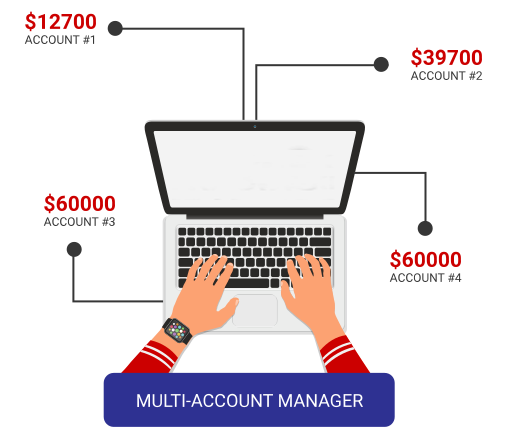
Trade and manage multiple accounts from a single trading interface.
A Multi Account Manager is quite simply software that integrates with our trading platform and allows money managers to place orders in bulk, in an unlimited number of accounts. The process is fast, efficient and can be executed from one trading terminal.
Who can use the MAM?
Proportional by balance, or proportional by equity.
Allocate positions precisely, with trade sizes from 0.01 lots.
Expert Advisors (EA) allowed.
Unlimited number of sub-accounts under one Master Account.
All usual order types accepted: Market, Stop, Limit.
Manage client exposure across a diverse product range.
Fast and reliable trading servers behind every allocation.
Place orders in bulk and execute them from a single trading terminal.
Register and fund your live account with a minimum of $5,000.
Start adding live trading accounts to your Master Account. Minimum 2 investors need to be present where their total investment is $5,000.
Start executing bulk orders in your Managed Accounts with your Master Account.
Open a Master Account to get started, or speak to our team about setting up the Multi Account Manager.

